Setup Lab: fuelling faster stints with live wear models
A repeatable method for turning tyre and fuel telemetry into a stint plan you can actually drive to — not a spreadsheet you abandon on lap three.
Most stint plans die on the first long run. You build a beautiful fuel-and-tyre model in the garage, roll out, and by lap four the numbers have drifted so far from reality that you stop looking. The fix isn't a smarter spreadsheet — it's letting the car's own telemetry build the model for you, live.
Here's the method we use, and it takes one clean run to set up.
Build the model in one run
You don't need a hundred laps of data. You need one honest stint where you drive to a plan and let SimGains watch.
- Fuel a genuine long run. Enough for at least ten green laps. Short runs hide the degradation curve that matters.
- Drive to a target, not a hero lap. Pick a laptime you can repeat and hold it. The wear model is only as clean as your inputs.
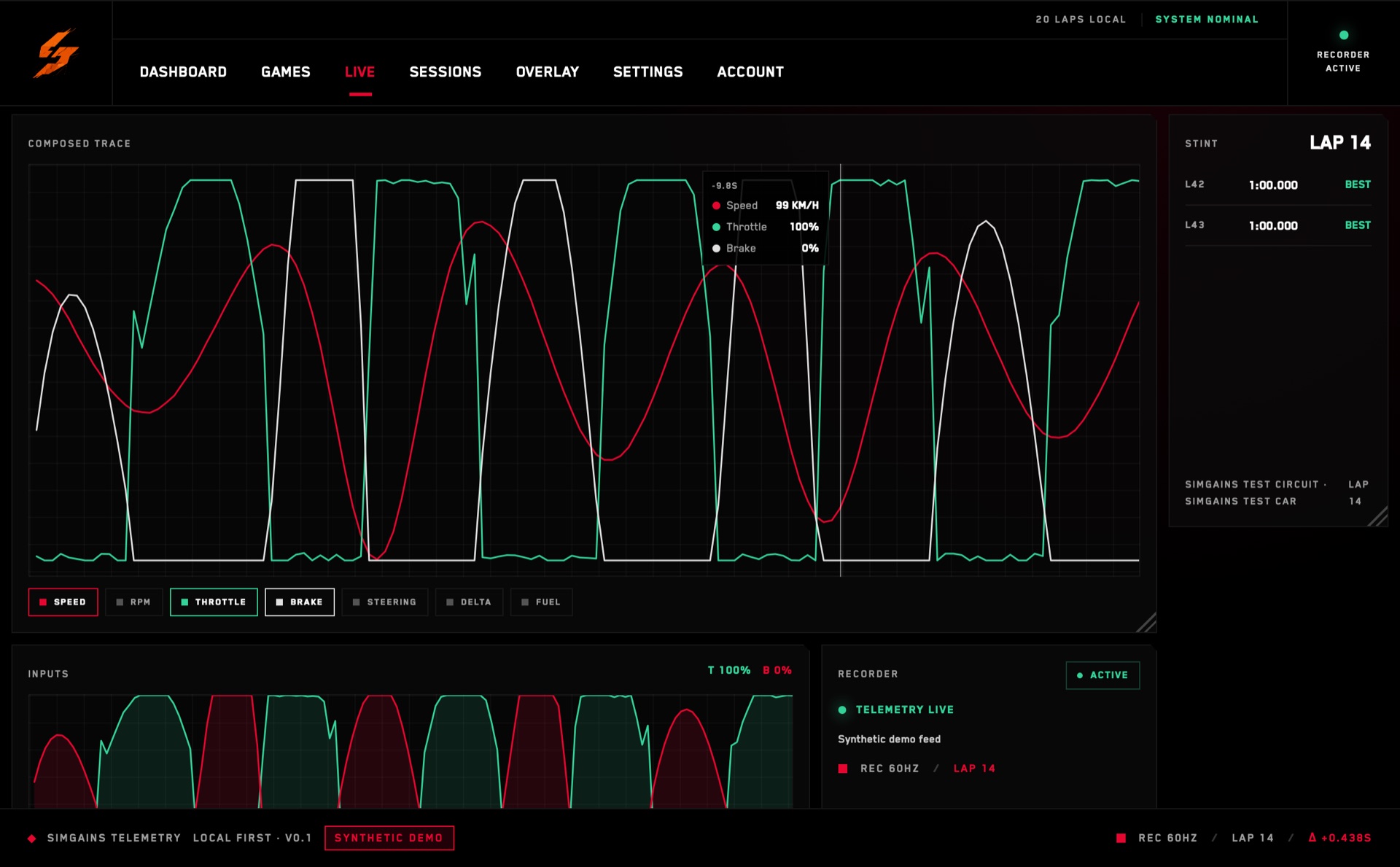
- Let capture run untouched. Every lap is recorded automatically from the moment you leave the pits — you don't press anything.
- Read the wear curve, not the lap times. SimGains fits a degradation model to your actual pace and shows where the tyre falls off a cliff versus where it just fades.

Turn the curve into a call
Once you have a real curve, the strategy call gets simple. You're looking for the crossover: the lap where the time you're losing to degradation exceeds the time you'd lose in the pits.
Fuel works the same way in reverse. The live model tells you your true burn per lap under your right foot, not the game's optimistic estimate. Nine times out of ten drivers carry two or three laps of fuel they never use — weight they pay for in every corner.
A stint plan you don't trust is worse than no plan at all. Build it from your own laps and you'll actually drive to it.
Make it a habit
The first time you do this it feels like homework. By the third it's muscle memory: one calibration run per new tyre or track, a glance at the crossover lap, done. The drivers who consistently make the right stop aren't guessing better than you — they're reading a model that updates every single lap.
Open the app, run one honest stint, and let the numbers do the arguing.